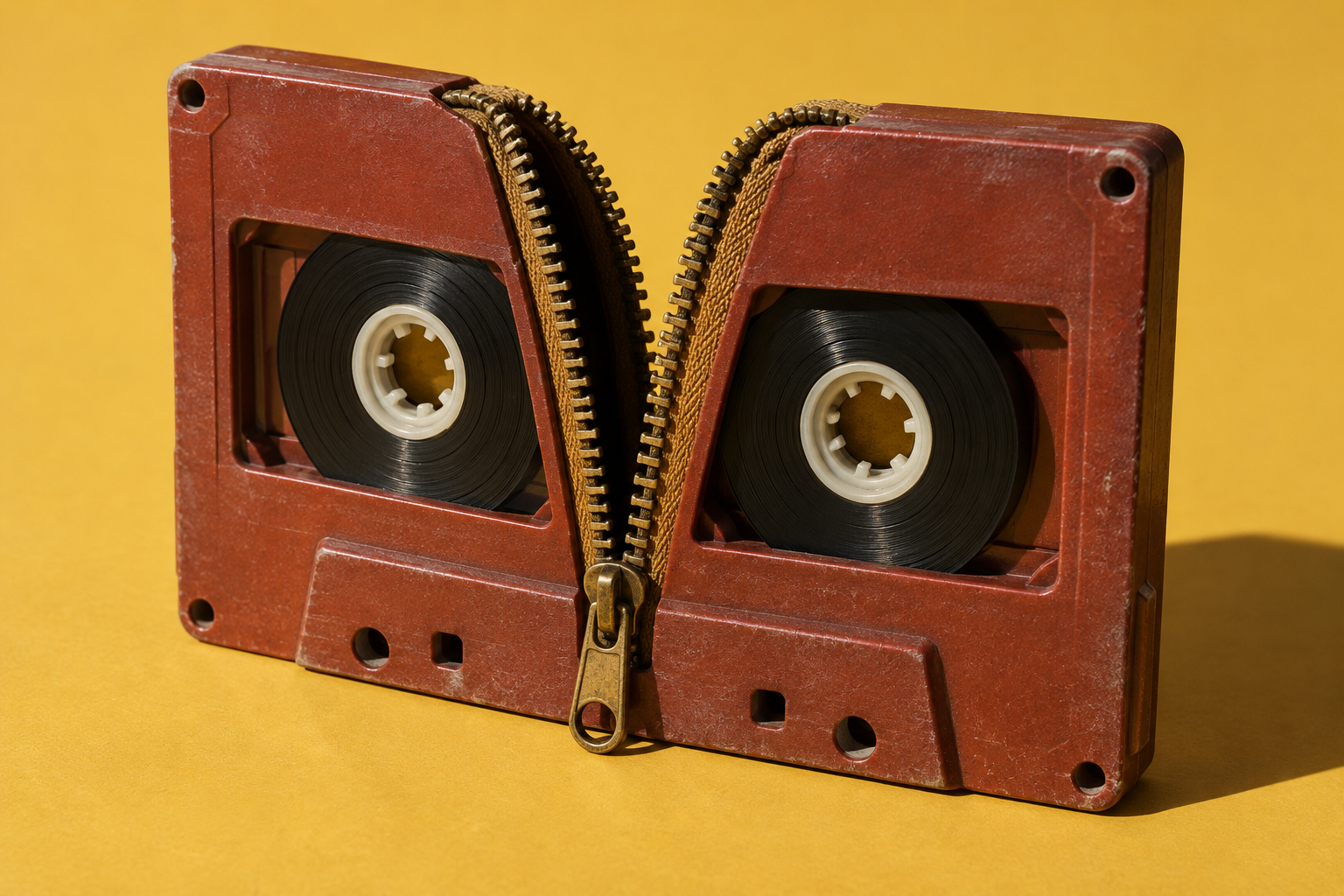
What did AI actually solve?
Separate Crosstalk adds individual voice tracks where an editor previously had a mixed recording. For an ordinary, permitted recording in a supported location, try a short overlap and compare it carefully with the original before using the result.
What changed
Adobe introduced Separate Crosstalk in Premiere Beta on July 27, 2026, in version 26.5.0, build 75. It targets a specific editing problem: two voices overlapping in one recording. Ordinary volume changes affect the shared recording; this AI feature creates separate speaker tracks that can be adjusted individually.
The documented result is a track for each of two speakers plus a background track. It accepts mono or stereo audio, including recordings made with one microphone. The original audio stays in the project but is disabled when the generated tracks appear. 01 / Source noteSeparate Crosstalk public beta announcementAdobe Premiere team · July 27, 2026What the source supportsDocumented product advance · Not independently testedKeep in mindThe release and help pages establish the capability and access conditions. We have not tested the feature firsthand or independently measured separation quality, time saved or word accuracy. It handles up to two overlapping speakers; it does not assign every speaker in an entire project to a reliable track.Read the original source ↗
Adobe highlighted the feature again in September. That announcement does not change its July beta-launch date. The advance is separating the mixed voices inside Premiere, not a demonstrated improvement in transcription or a guarantee that every recording can be rescued.
What this could change for you
For a recorded interview or a small video project, separate tracks offer another editing option when someone interrupts: adjust one voice without applying the same change to the other. Listen to the result against the original before deciding whether the interruption is usable.
This is a premium feature. Adobe lists one generative credit per second processed and adds two seconds of audio on each side of the selection. The dialog shows the cost before processing. Selecting only the overlap limits the amount of audio submitted; one clip can be processed at a time, from one second to ten minutes long.
Access requires Premiere with the feature available, an Adobe sign-in, an internet connection and sufficient credits. The documented beta route is Creative Cloud’s Apps → Beta section. Check your plan and device requirements before installing; this is not a free or universally available service.
Try it yourself
Check a short overlap
Premiere with Separate Crosstalk available, Adobe sign-in, internet and sufficient generative credits. Use audio you have permission to upload; the documented feature excludes uploads from Illinois and Texas. Confirm app, plan and device eligibility first.
- Open the Premiere beta available to your account through Creative Cloud → Apps → Beta. In a copy of an ordinary project, find a short section where exactly two speakers overlap.
- Trim to that section, right-click the clip and choose Separate Crosstalk. Review the permission request and displayed credit cost before choosing Separate.
- Listen to each generated speaker track and the combined result against the original. Adjust the mix only if the result preserves the intended speech; keep the source recording.
What to watch for: Suggested activity based on Adobe’s instructions, not a firsthand test. The feature adds two-second handles to each side of the selected audio and processes one clip at a time.
Read Adobe’s separation instructions ↗Suggested activity. Official guidance checked .
What it does not prove
The release and help pages establish the capability and access conditions. We have not tested the feature firsthand or independently measured separation quality, time saved or word accuracy. It handles up to two overlapping speakers; it does not assign every speaker in an entire project to a reliable track.
Processing sends the selected audio to Adobe’s cloud. Adobe says it may process voice embeddings and requires authorization plus the necessary permissions from people in the recording. Its current help page excludes files uploaded from Illinois or Texas. Those restrictions apply even if the menu is visible.
This remains a beta workflow in the cited release. Keep the source recording and check both generated voices for missing or altered sound. A separated track is an editing aid, not evidence that a disputed word was spoken.
Primary sources
Separate Crosstalk public beta announcement
Adobe Premiere team · July 27, 2026