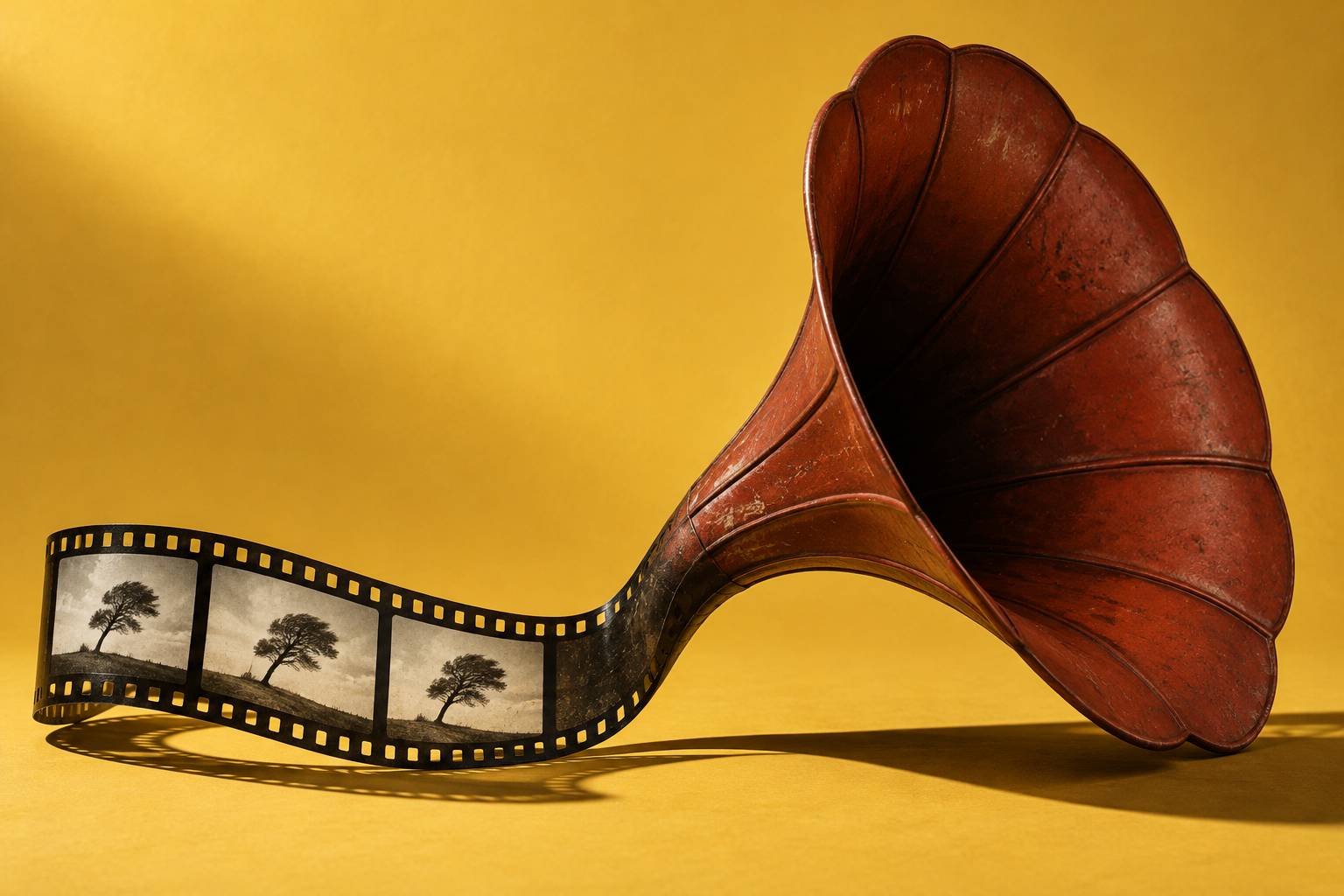
What did AI actually solve?
Generate Soundscape gives a short scene an editable audio sketch derived from the picture. For footage you have permission to process, try one small scene, check the displayed cost and shape the resulting layers to fit your edit.
What changed
Adobe announced Generate Soundscape in Premiere Beta 27.0, build 30, on August 28, 2026. Instead of requesting one isolated sound effect, an editor can select a short scene and let the visible action guide a whole first sound bed. The documented output has four editable stems: two foreground layers and two background layers.
The distinction matters when a clip needs both atmosphere and individual effects. Those elements can arrive together while remaining adjustable, rather than becoming one fixed mix. Adobe’s current workflow guide confirms that the generated audio lands in the timeline as clips that can be moved, trimmed and processed. 01 / Source noteNow in Beta: Generate Soundscape in PremiereAdobe Premiere community announcement · August 28, 2026What the source supportsDocumented product advance · Not independently testedKeep in mindThe beta announcement limits a selection to roughly 15 seconds and says it cannot span multiple scenes. A cut-filled montage needs a different approach; this is not a whole-film sound-design service.Read the original source ↗
What this could change for you
For a short creative video, a first audio pass gives you something concrete to listen to and revise. Play it against the picture, then adjust any effect that arrives at the wrong moment or competes with the scene. The generated sounds are creative additions; they do not recover what was actually heard when the video was filmed.
The documented route is Premiere desktop beta, installed through Creative Cloud’s Apps → Beta section when available to your account. Generative media requires internet access and uses cloud processing. Adobe’s tool FAQ says it consumes generative credits and shows the cost in the task bar before generation. Confirm your subscription, computer compatibility and available feature before trying it.
Try it yourself
Try a first sound bed for one scene
Premiere desktop beta with Generate Soundscape available through your Adobe account, a compatible computer, internet access and sufficient generative credits. Check the account’s feature access and displayed cost; use footage you have permission to process in the cloud.
- In a copy of a small creative project, use the Generative Media Tool to select one continuous video scene about 15 seconds or shorter.
- Choose Generate soundscape, inspect the visible scene and displayed generative-credit cost, then choose Generate if the conditions fit.
- Listen to the result with the picture. Adjust, trim or regenerate individual layers where needed, keeping the original media and only the additions that fit.
What to watch for: A suggested documentation-based check, not a firsthand test. The beta does not support a selection across multiple scenes; generated audio is a creative approximation, not evidence of recorded events.
Read Adobe’s soundscape workflow ↗Suggested activity. Official guidance checked .
What it does not prove
The beta announcement limits a selection to roughly 15 seconds and says it cannot span multiple scenes. A cut-filled montage needs a different approach; this is not a whole-film sound-design service.
Adobe describes Soundscape as a starting point. Official documentation establishes the capability and workflow, but we have not tested it firsthand or independently measured sound quality, timing accuracy or time saved. Listen before keeping a result, and preserve the original video and audio.
Primary sources
Now in Beta: Generate Soundscape in Premiere
Adobe Premiere community announcement · August 28, 2026